Product

One place for the whole garden.

Where it is, what's in it, what to do this week, and someone to ask. Every part reads the same garden, so the plan, the seed drawer and the assistant never disagree.

Lushly is in preview. This page describes it as it will be at launch.

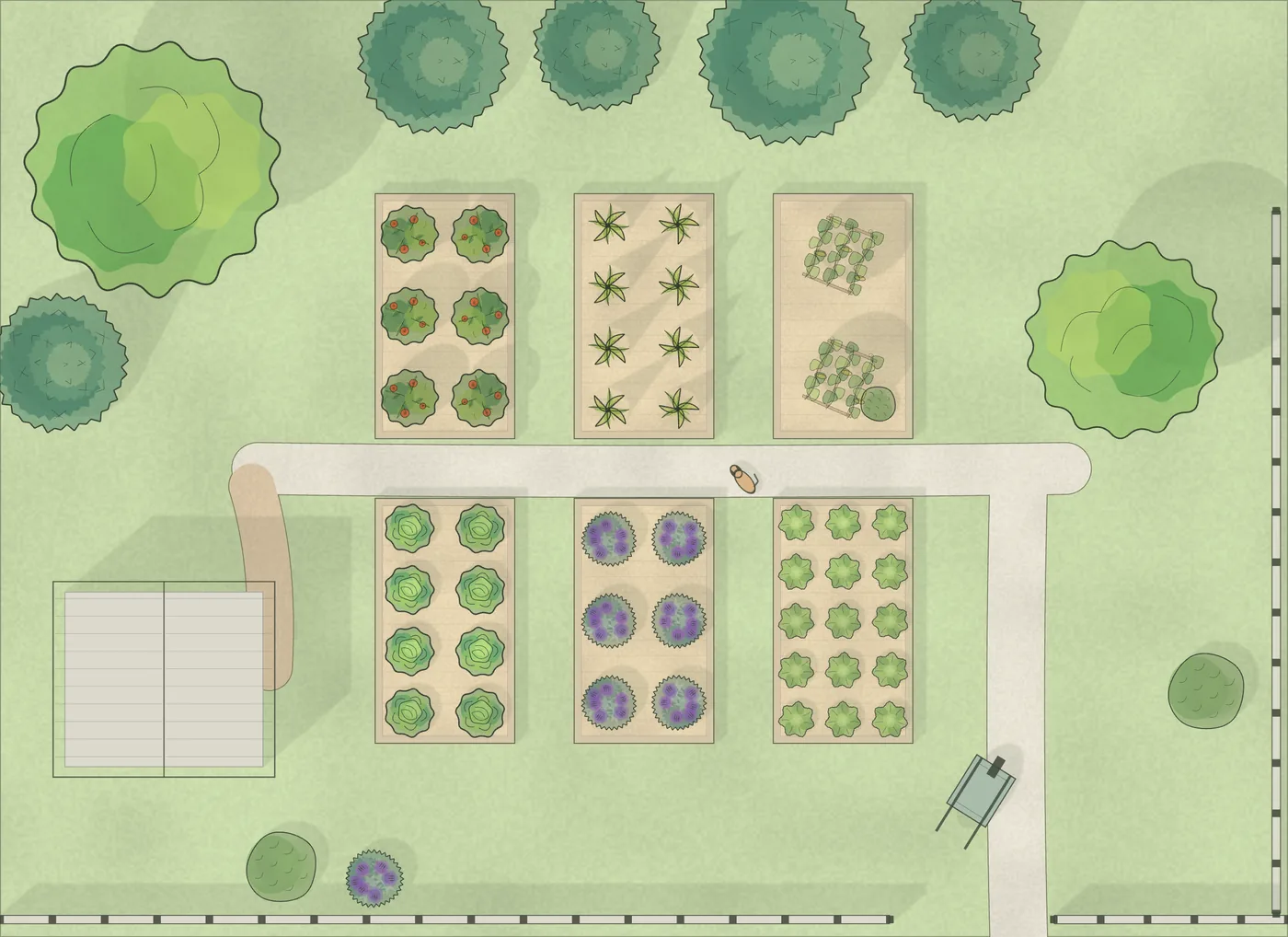
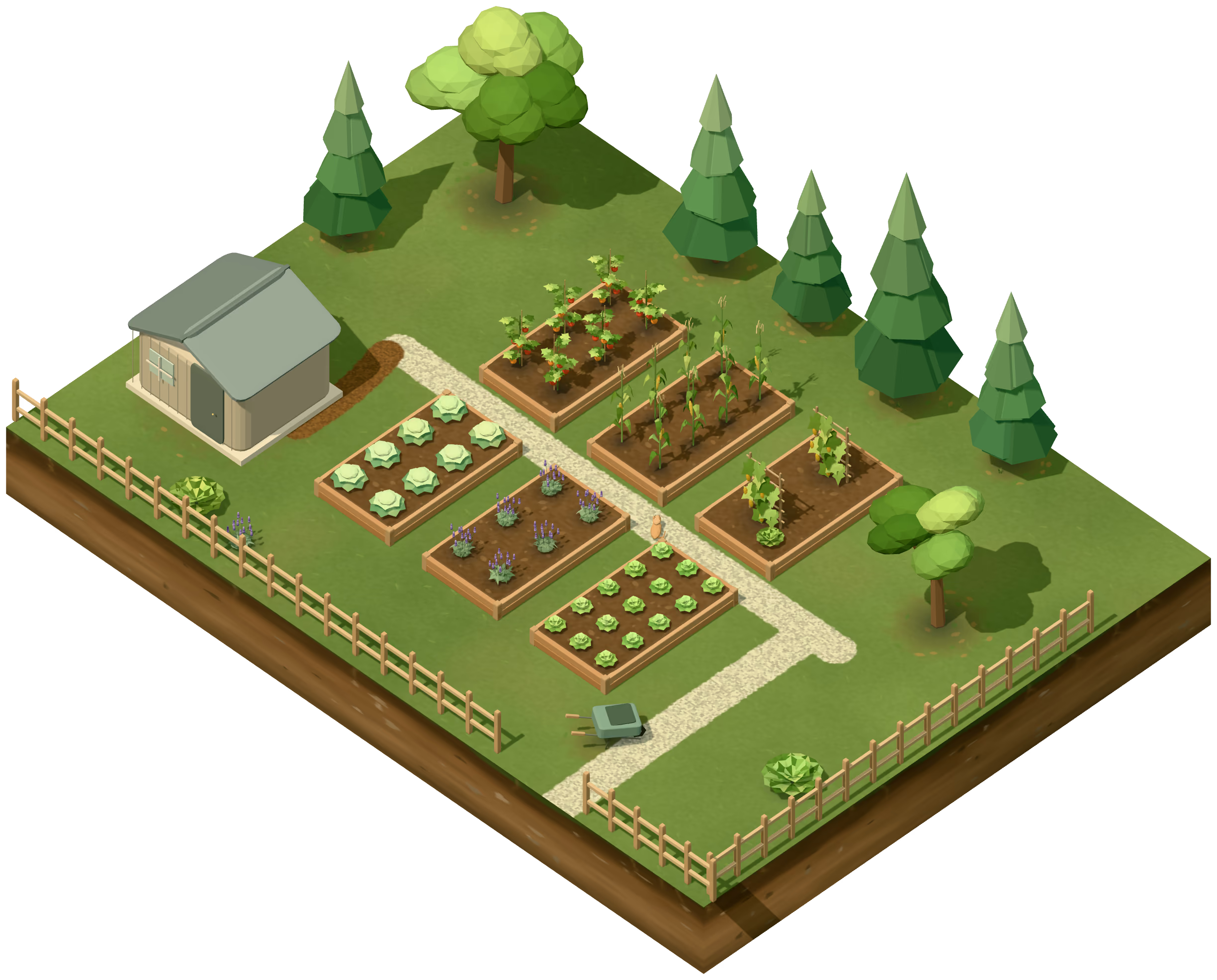
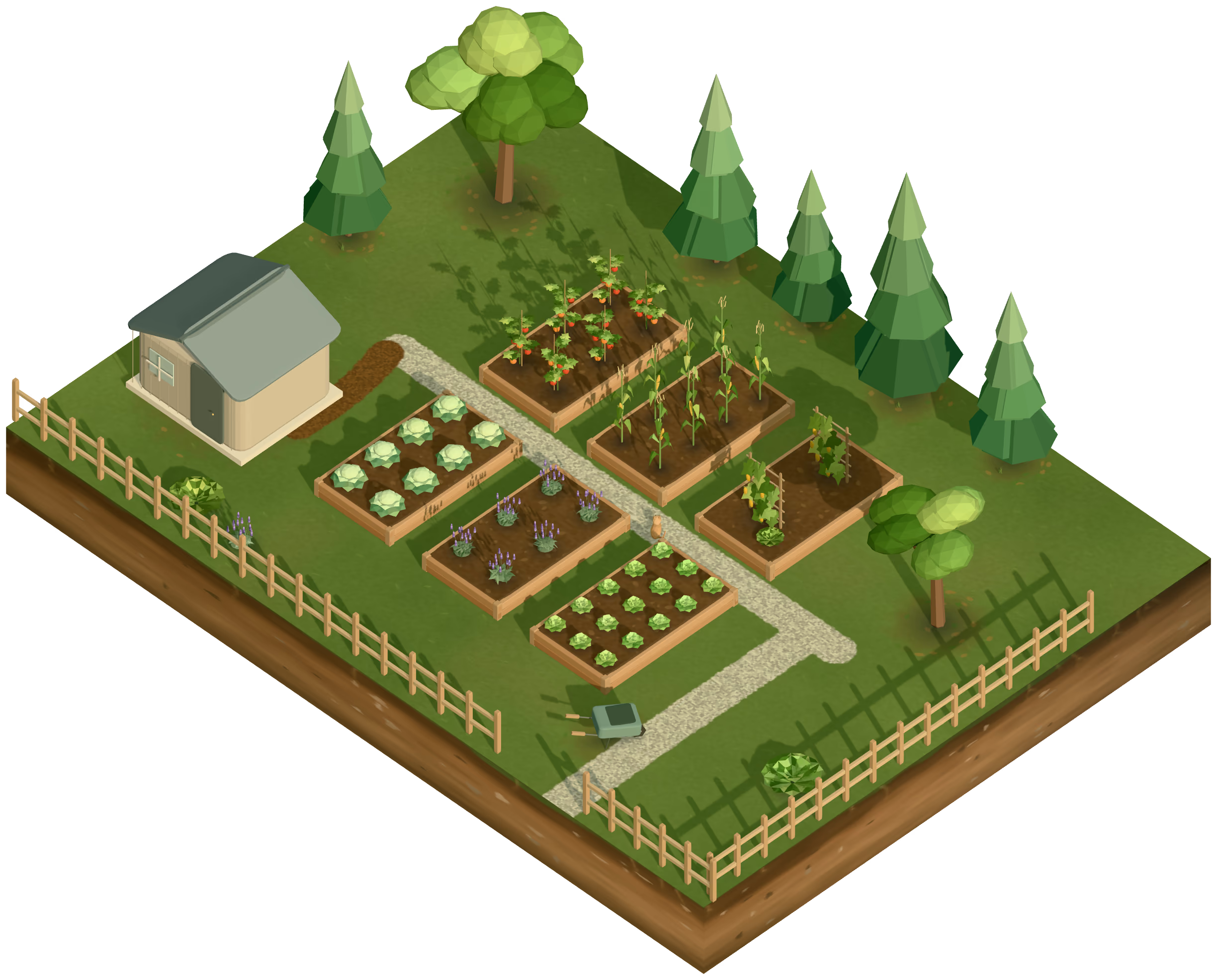
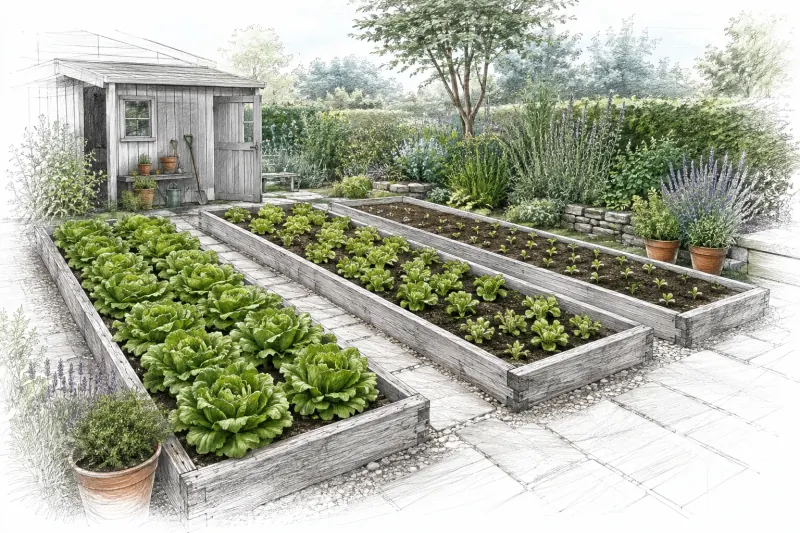
The example garden on a summer morning, drawn by Lushly's garden view. Five parts of Lushly are places in it; the assistant reads all of them.

01 Place

A postal code is enough to start.

Your yard, not a zone map.

A postal code is enough to start.

Put your garden on the map with a postal code and a pin. Lushly works out your frost dates from nearby weather stations, with how likely frost is before and after them, and keeps an eye on the forecast and US weather alerts so you don't have to.

When frost or heat is coming, it shows up on the days it touches, next to the plantings it affects.

Free
Frost dates, forecast, weather alerts, and frost and heat warnings on your schedule.
Garden
A short weather briefing at the top of your Today page.

Place

Columbus, Ohio Zone 6b

Last frost
Apr 25
First frost
Oct 20
Frost-free
178 days

Heat on Saturday, 96 °F. The corn’s deep watering is already on the list.

An example place. Frost dates come from the weather stations nearest the pin.

02 The garden

Everything else in Lushly reads from this drawing.

Draw it once. Watch it grow.

Everything else in Lushly reads from this drawing.

Place your beds, fences and sheds on a model of your yard, then plant them. Tap any plant for what it needs now, whether it's safe for pets, and when to pick. A lens looks at the whole garden through one question: which beds need you this week, what's ready, what a dog shouldn't chew.

On the paid Garden plan, the model runs through a day and a season: the hours of sun each bed gets, the shade a young tree will cast in five years, and a better spot for a plant that wants more sun, or less.

Free
The model of your garden, plant cards, and every lens about the present, including safety.
Garden
Time and light: sun hours, future shade, and a better spot.

Lettuce Little Gem

In its harvest window through Mon, Jul 13.

Safe around pets.

Garden plan 4.5 hours of sun today, afternoon shade from the fence.

The card you get when you tap a plant, here the lettuce by the path.

03 What it keeps

The week, the seeds, and every plant.

Three records the plan and the assistant both read. Keeping them is free.

Growing

The week, in one list.
This week July 13 to 19

  • Pull the bolted lettuceLettuce · Little Gem · Mon, Jul 13
  • Tie in the tomatoesTomatoes · Sungold · Wed, Jul 15
  • Net the cabbagesCabbages · Farao · Thu, Jul 16
  • Water the corn deeplyCorn · weekly, until harvest · Sat, Jul 18
  • Pick the first SungoldsTomatoes · Sungold · Sun, Jul 19

Record beds, plantings, harvests and notes as you go. The agenda keeps the week in one list, with Done and Snooze for the days that get away from you.

Free
Beds, plantings, harvests, notes, and the week's agenda.
Garden
Tasks worked out for you, succession sowings, calendar export, and a copy of your garden for next year.
Seeds

The seed drawer, with a memory.

Seed drawer

  • Nantes carrotsPacked 2025 · likely strong
  • Little Gem lettucePacked 2023 · test a few before sowing
  • Bloomsdale spinachOn order · goes in the drawer when it arrives

Still needed

  • Winterbor kale1 packet · order by Jul 24 · sow Aug 1 to 15

Keep every packet: what it is, where it came from, how old it is and how well it's likely to come up, with your own germination tests beside it. Mark an order received and it goes straight into the drawer. The buy list reads the plan against the drawer and seed on order, so the gap shows before sowing week.

Free
The seed drawer, germination tests, orders, and the buy list. Any link that earns Lushly a commission says so.
Garden
Nothing to add. The whole drawer is free.

Plants

Look it up, or show it.

Lavender Lavandula angustifolia

Sun
Full
Water
Low
Spacing
18 in

Mildly toxic to cats and dogs. Plant it where they won't chew it.

What you noticed

  • Bees on it by mid JuneYour observation · Jun 14
  • Cut back by a third after floweringYour note · Jul 6

Search by any name you know it by. Each plant page says how to grow it, what it needs, and whether it is toxic to pets and animals. Correct a detail or rate how it did, and the pages get better for the next gardener. On the paid Garden plan, show it a photo instead and Lushly tells you what the plant is.

Free
Search, growing details, pet safety, and your corrections, observations and ratings.
Garden
Photo identification, and pest and companion guides for any plant.

04 The assistant

It proposes. You decide.

Ask it anything. It knows your garden.

It proposes. You decide.

It checks your forecast and your plantings before it answers. It answers short, has opinions, and says so when it isn’t sure. It can do most of what you can in the app, and it points you to the Field Note that fits the question.

When it wants to change something, such as adding a task, moving a sowing or recording a harvest, it shows you the change and waits for your yes.

Free
The assistant, with a daily allowance.
Garden
Considerably more, and more thought for the hard questions.

You: The lettuce is bolting. Pull it?

Lushly: Yes, it's on your list for Monday. Once it bolts in this heat the leaves turn bitter. I'd sow the next round where the fence gives afternoon shade.

Add to your plan?

Sow the next lettuce · by the fence · Mon, Jul 20

Choices: Approve, or Deny.

An example exchange. The change waits for your yes.

05 Your own assistant

One garden, whichever assistant you ask.

Use the assistant you already have.

One garden, whichever assistant you ask.

Already use Claude or another AI assistant? Connect it to your garden and ask it what to sow this weekend. It uses the same actions as the assistant in the app, on the same garden, by the same rules, and any change it proposes still needs your approval.

Account and billing stay in the app, where only you can change them.

Every plan
Coming with launch, under the same plan limits and approval rules as the app.

In your own assistant answering from Lushly

You, in your own assistant: What should I sow this weekend?

It answers from Lushly: Carrots for fall, and one more row of lettuce where the fence gives shade. Both packets are in your drawer. Test the lettuce seed first: it was packed in 2023.

Setting it up at launch: one entry in the assistant’s settings
{
  "mcpServers": {
    "lushly": {
      "url": "https://app.lushly.ai/api/mcp"
    }
  }
}
An example of what comes with launch: your own assistant, answering from your Lushly garden.

06 For farms

For people who sell what they grow.

Grow for market, keep the records.

For people who sell what they grow.

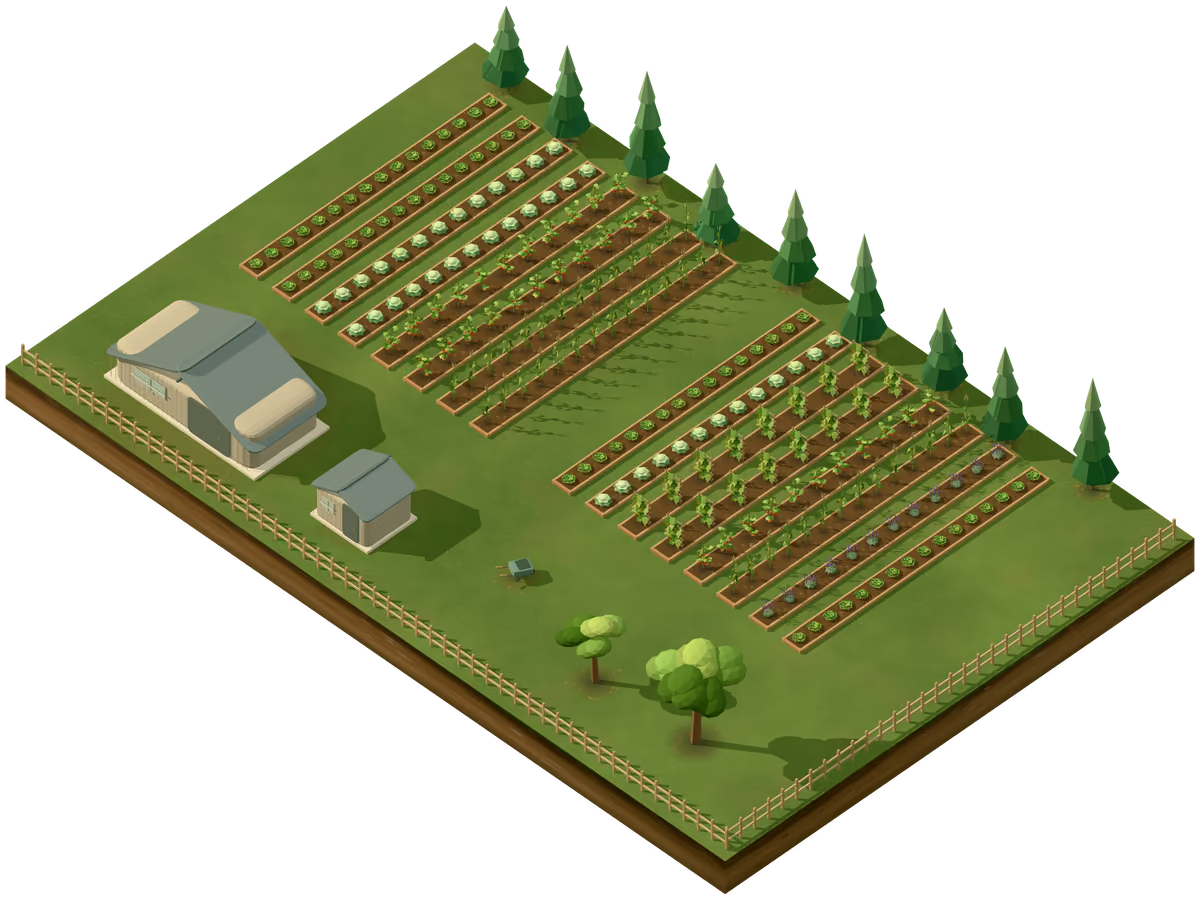
The Farm plan adds what a market garden needs: organic sourcing records with a certifier-ready export, seed orders prepared by pack size, and every bed's history across the years.

Growing degree days from your own weather history, and custom guides researched for your farm, with citations, come with it.

Farm
Everything in Garden, plus organic records, seed orders by pack size, bed history, degree days and researched guides.
Bed history
2024 2025 2026
Row 5 Corn Squash Tomatoes
Row 6 Squash Corn Tomatoes
Row 7 Tomatoes Cabbages Corn

Organic sourcing record

  • Bloomsdale spinachCertified organic seed · supplier and lot kept
  • Nantes carrotsUntreated, not organic · reason noted

Exported for your certifier as a spreadsheet.

An example market garden, three of its rows across three years, and a record for an organic inspection.

Field Notes

Free to read, with the sources beside the advice.

When you want to go deeper.

Free to read, with the sources beside the advice.

Field Notes are guides with their assumptions left in, each with a tool that does the arithmetic. They're free to read and use. Read Field Notes

Growing guideSuccession planting for a continuous harvestWith a calculator for your own sowings.AI-generated illustration

Try it on your own garden.

Bring your garden in early and tell us what it gets wrong. That is what the preview is for.